
Engineering7 min read
Why We Built Hisab Expert Offline-First
Internet connectivity in India is improving but still unreliable in many areas. Here is why every byte of your business data lives on your device first, and what that means for you.

The Reality of Connectivity in India
Coverage maps show excellent 4G across most of India. The reality on the ground is different. Basement shops, older market buildings, and semi-urban areas routinely experience dropped connections during business hours. A shop owner cannot afford the billing app to freeze at 6 PM on a Saturday.
When we were designing Hisab Expert, we made one non-negotiable decision early: the app must work identically whether the phone has full signal, patchy 2G, or no connectivity at all. Your business operations do not pause for internet outages. Your bookkeeping app should not either.
What Offline-First Means
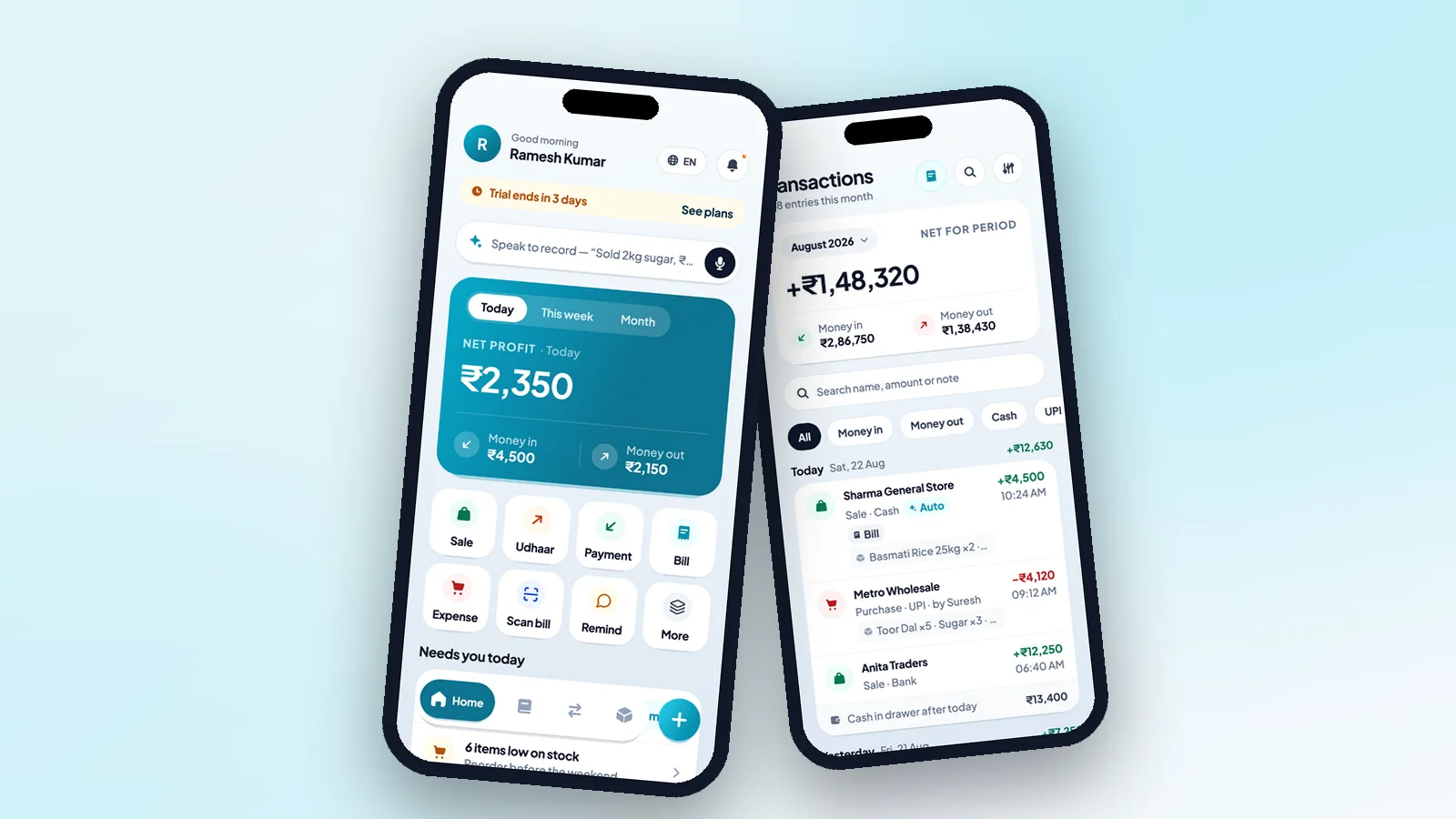
Offline-first means that all writes go to the local device database first, and the app treats the local database as the source of truth. Every transaction you record, every product you add, every customer entry - all of it is saved on your device instantly, before any network request is attempted.
Cloud sync happens in the background when connectivity is available. From the user's perspective, the app is always fast and always available. There is no loading spinner waiting for a server response when you add a transaction.
Zero downtime for you: If our servers are down for maintenance or a network issue, your app keeps working normally. Sync resumes automatically when connectivity returns.
The Database: Hive With AES-256
Hisab Expert uses Hive, an embedded NoSQL database that runs entirely inside the app. There is no database server to connect to. All queries run locally on your phone, which is why the app responds instantly even on older hardware.
The entire Hive database is encrypted using AES-256, the same encryption standard used by banks. The encryption key is generated and stored inside Android's hardware-backed Keystore. This means the key never appears in app memory in a recoverable form, and it cannot be extracted even if someone has physical access to the phone's storage.
Optional Cloud Sync
Cloud sync is disabled by default. When you enable it in Settings, your data is synced to a Supabase (PostgreSQL) database hosted on servers in India. All data in transit is protected by TLS 1.3.
Sync is incremental - only records that have changed since the last sync are transmitted. For a typical shop with 30–50 daily transactions, the daily sync payload is under 50 KB. It works seamlessly on even a 3G connection.
What Happens If You Lose Your Phone?
Without cloud sync: your data is included in Android's Auto Backup, which Google stores encrypted in your Google Drive. Recovery on a new device takes a few minutes when you reinstall the app and sign in.
With cloud sync enabled: install Hisab Expert on the new device, sign in with the same phone number OTP, and your complete business data - transactions, products, customers, ledger - restores automatically within seconds.
The Trade-Off We Made
Offline-first architecture introduces one complexity: conflict resolution. If you edit the same record on two devices while offline, which version wins when they sync?
We resolved this with a last-write-wins strategy based on timestamps. For most single-shop use cases - where one owner and possibly one employee use the app - this works well. In the rare case of a genuine conflict, the most recent edit takes precedence. We considered more complex merge strategies but decided simplicity and predictability matter more for this audience.
 Engineering
 Business Tips
 Tutorial